MLM Software Features: A Checklist You Can Use During a Demo
“Commission management” can describe a traceable calculation or a total on a screen. Both may receive the same checkmark in a brochure. A useful feature checklist records the work your team can complete and the evidence behind the result.
Use the checklist below with a small fictional network and a few orders. Set your priorities before meeting suppliers so optional features do not distract from an essential launch requirement.
Copy this MLM software feature checklist
Mark each row as required for launch, required later, or optional. During the demonstration, record the result as demonstrated, configuration needed, development needed, or unsupported.
| Feature area | Task to show | Evidence to record |
|---|---|---|
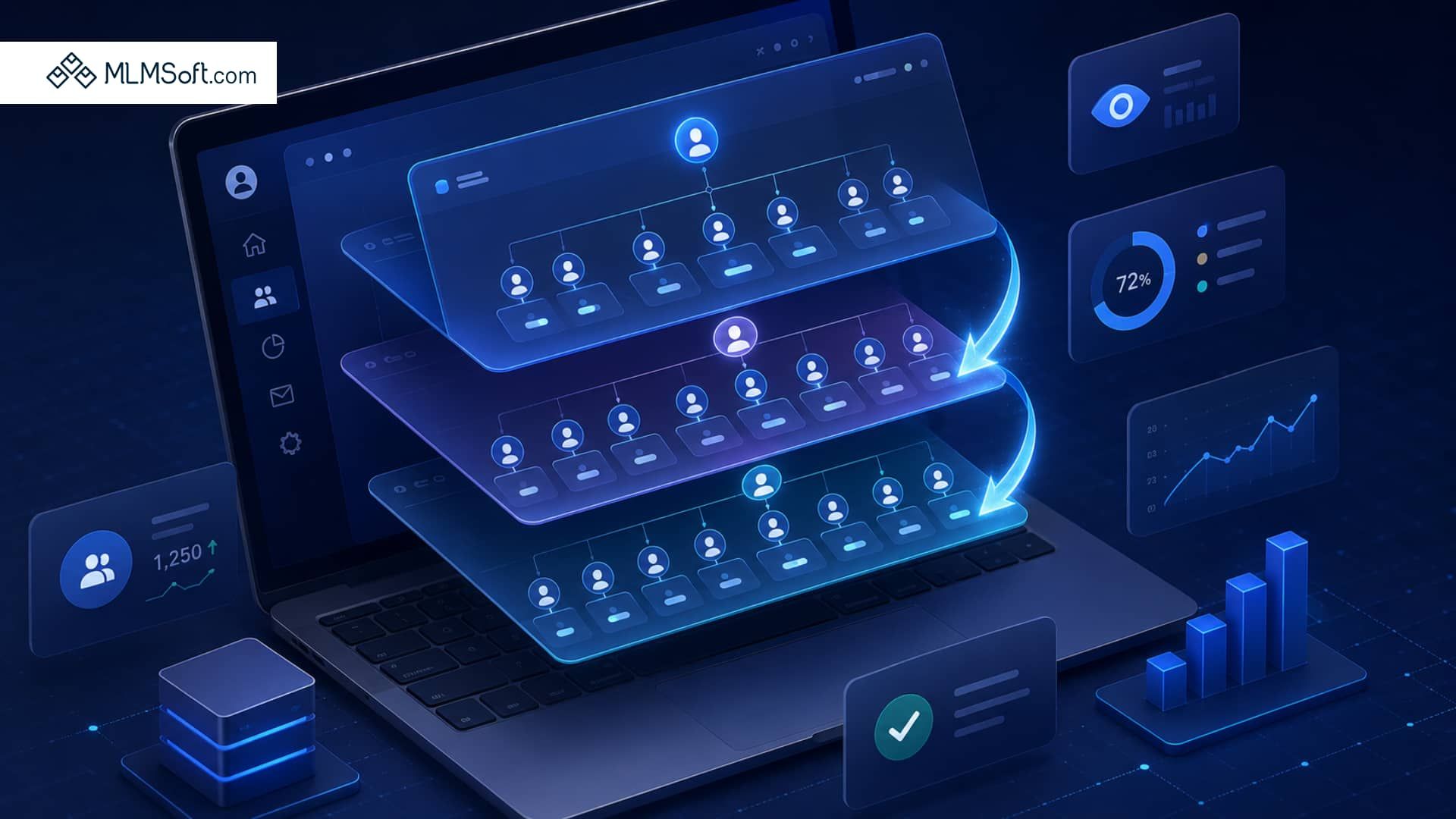
| Distributor accounts | Find an account and inspect its status, sponsor, placement, and recent activity. | Account identifier; fields shown; distinction between sponsor and placement. |
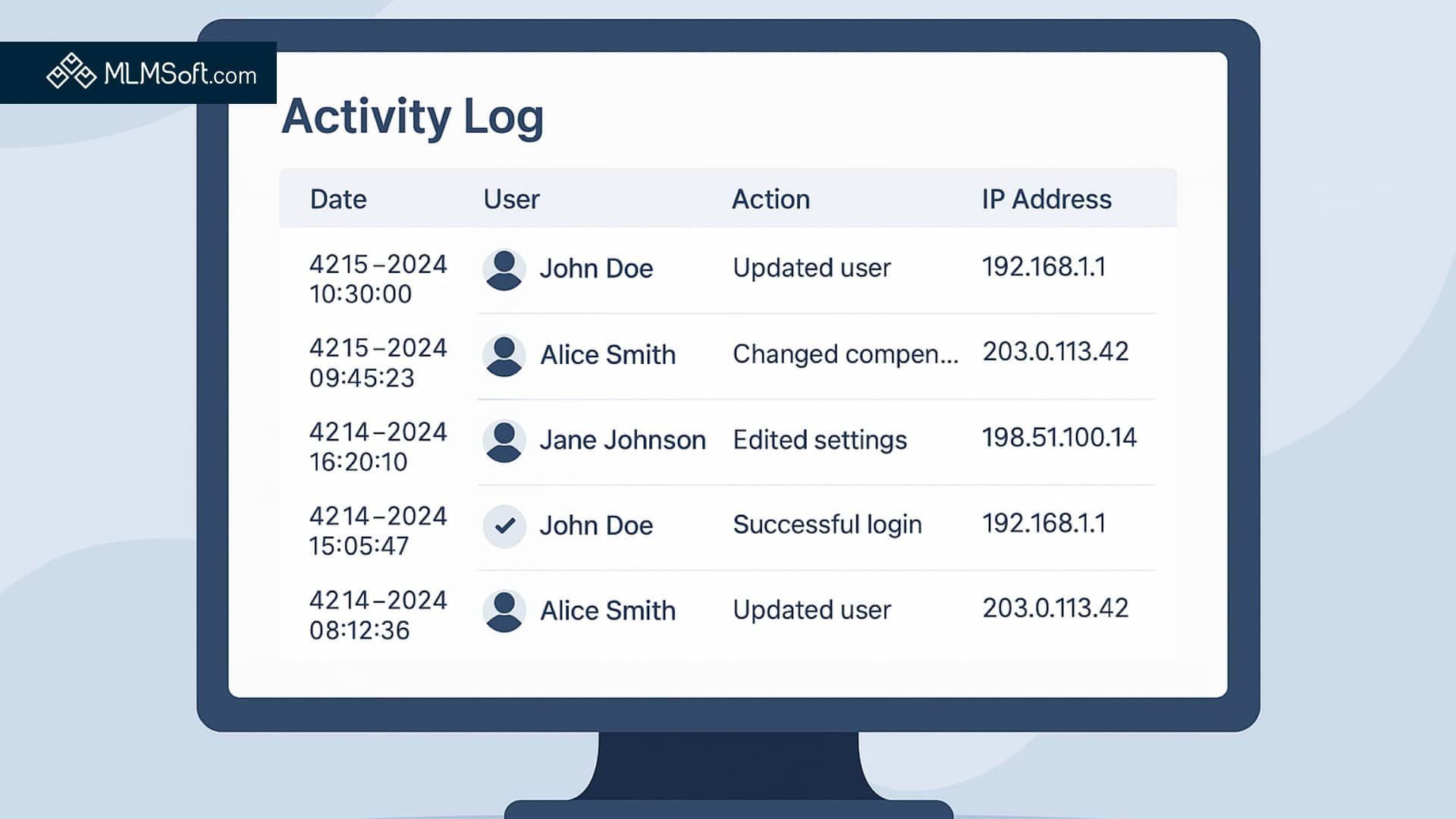
| Account corrections | Make an authorized correction and inspect its history with a second permitted role. | Who changed it, what changed, and when it took effect. |
| Compensation | Calculate a small written example with a known expected result. | Source sales, commissionable value, rate, qualification rule, period, and result. |
| Returns and adjustments | Return part of an order after its commission has been recorded. | Link to the original order; adjustment treatment; effect on an open or closed period. |
| Distributor back office | Find a commission detail, order, referral link, and qualification progress on a phone. | What the distributor can complete without staff intervention. |
| Referral attribution | Submit a first order, a repeat order, and an order without referral information. | The attributed account in each case and the policy behind the choice. |
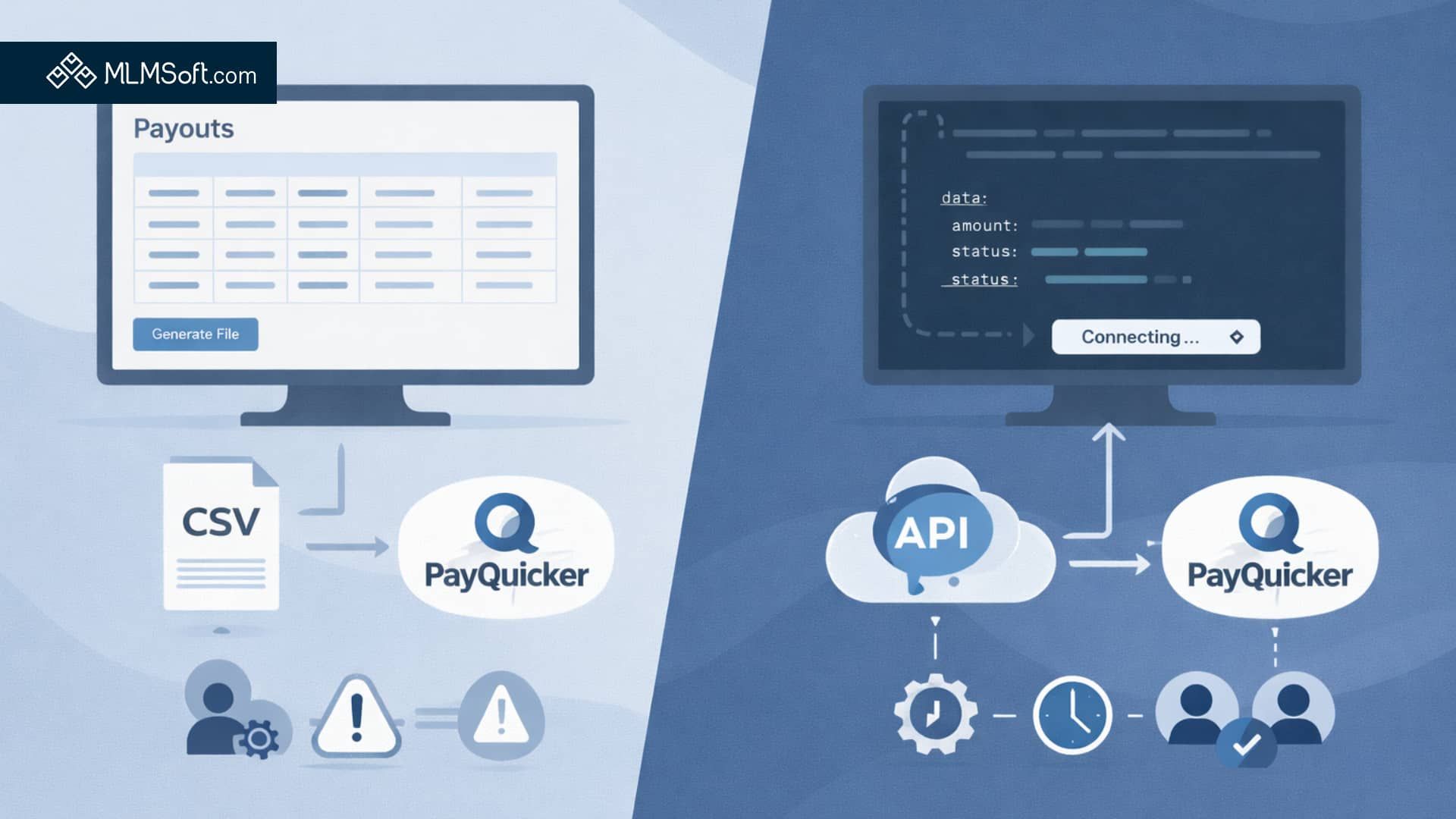
| Integration recovery | Retry a failed or repeated order event. | How missing records are found and duplicate financial effects are prevented. |
| Wallets | Trace a commission into a wallet and identify the withdrawable amount. | Meaning of earned, available, reserved, and paid in the proposed configuration. |
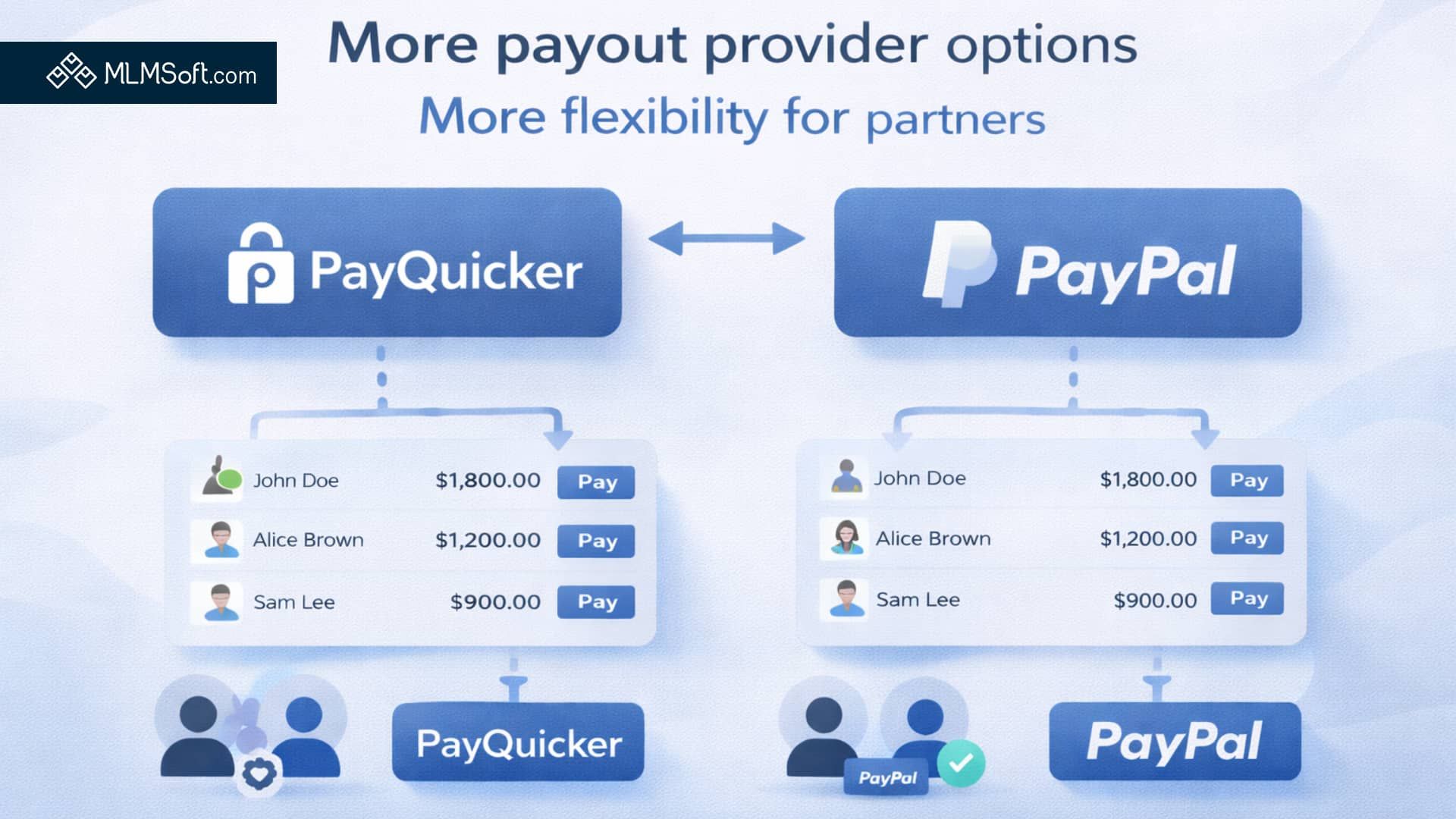
| Payouts | Follow an approved request through provider confirmation or rejection. | Where platform approval ends, provider processing begins, and status is reconciled. |
| Reporting | Reproduce a report total and inspect one underlying record. | Filters, period, source data, export format, and refresh timing. |
| Permissions | Repeat an investigation and export with a restricted support role. | Permitted records and actions; blocked actions; missing access. |
| Onboarding and notifications | Create an account, complete its first task, and trigger a status message. | Trigger, recipient, next action, and behavior if the event arrives twice. |
Add columns for priority, expected result, observed result, evidence, owner, and remaining work. A screenshot, sample export, or demonstration record makes the answer easier to use during implementation.
Follow one order across the modules
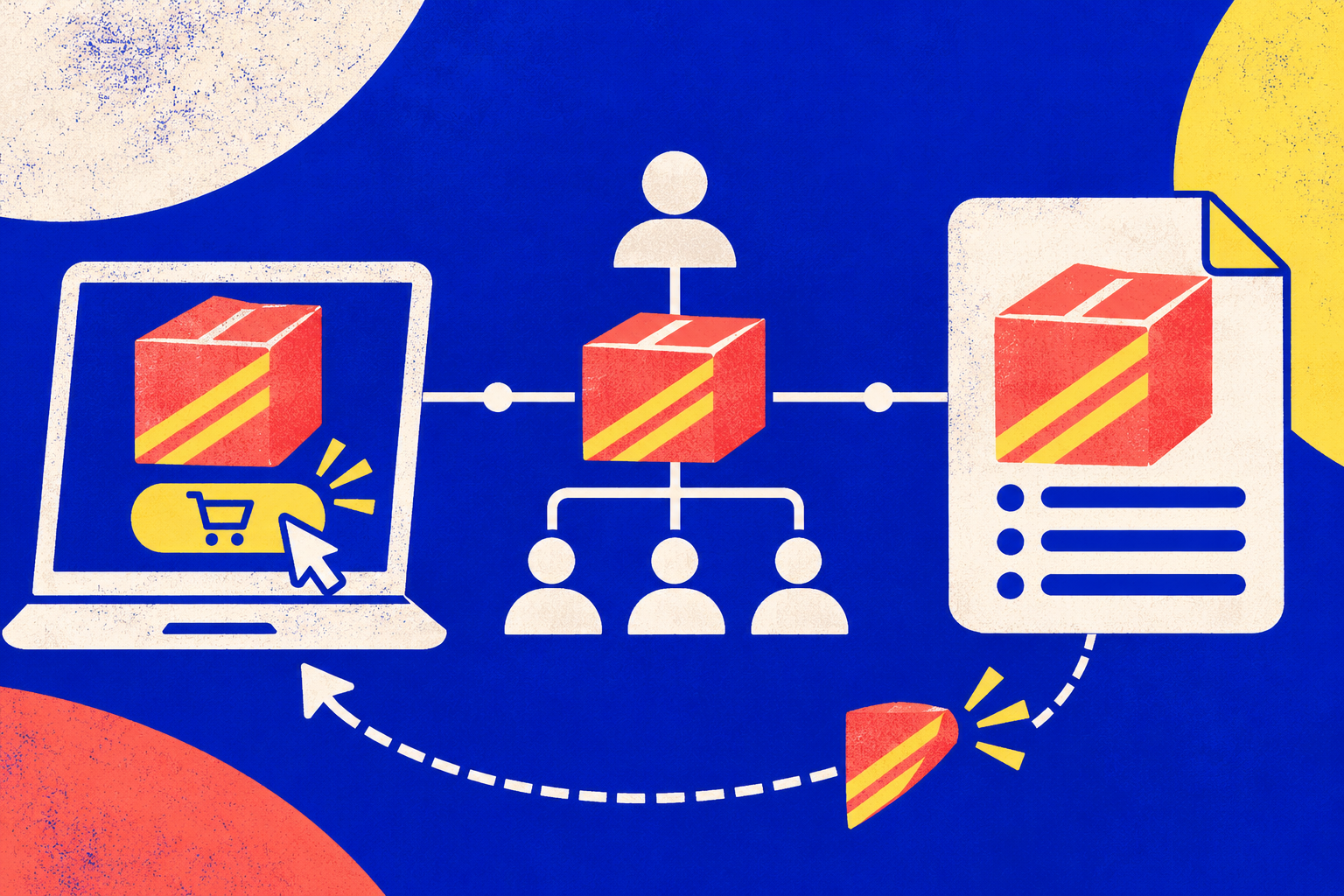
Use a fictional customer, distributor, and order with stable identifiers. Follow the order from checkout to attribution, commission, wallet, and reporting. Keep the order ID visible in your notes so you can connect what appears on different screens.
The most revealing second pass is a correction. Return part of the order or change an eligibility input, then check whether each affected view explains the result consistently. Define the expected treatment from your own compensation rules before the demonstration.
MLM Soft’s compensation plan engine overview describes the calculation component. Your written scenario establishes whether the proposed configuration handles your particular plan.
Look at the evidence behind the dashboard
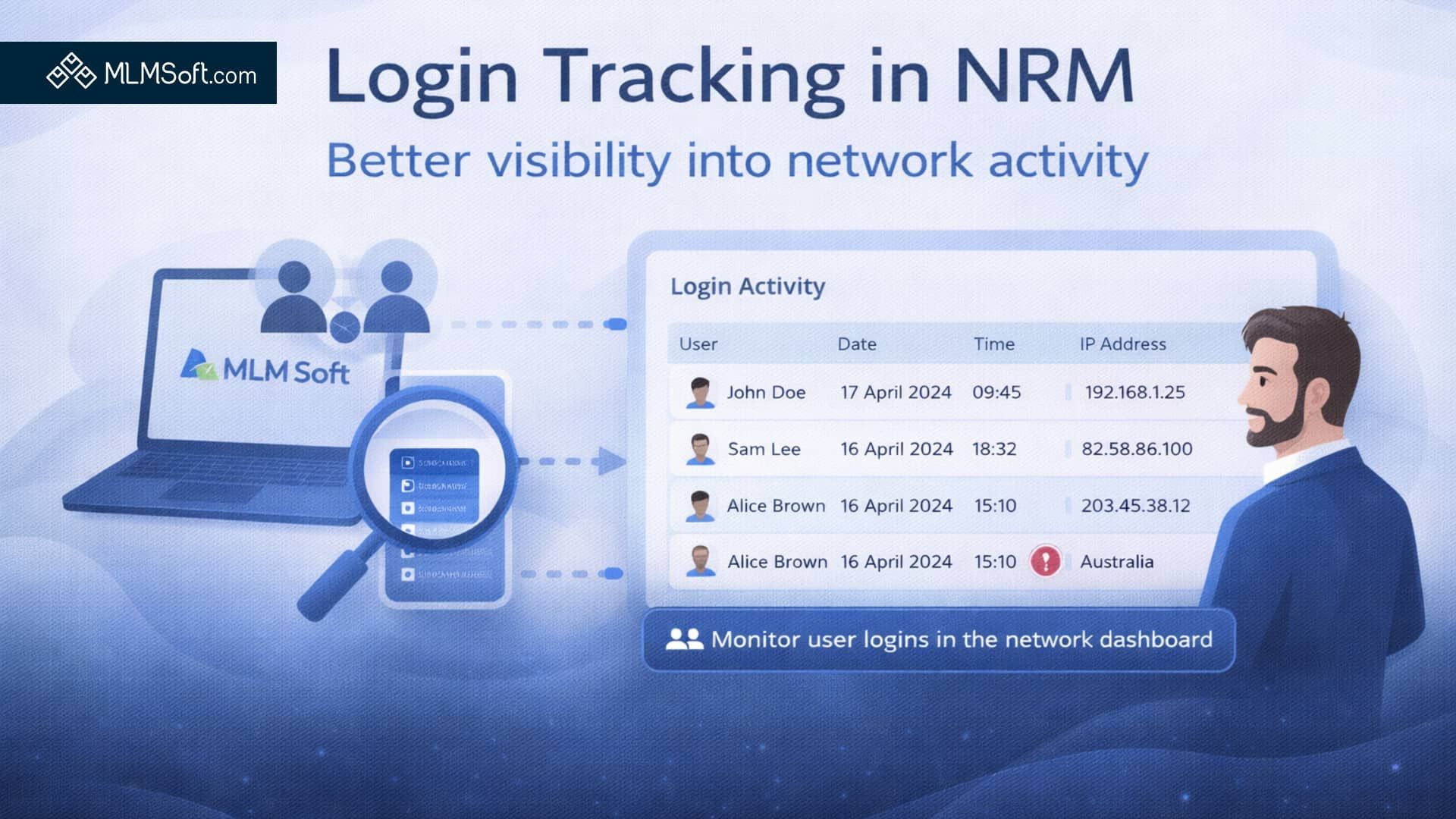
An administrator should be able to investigate a record with the access appropriate to their role. Inspect an account correction and a report export as well as the main screen. The Network Relationship Management application covers this administrative side of the MLM Soft platform.
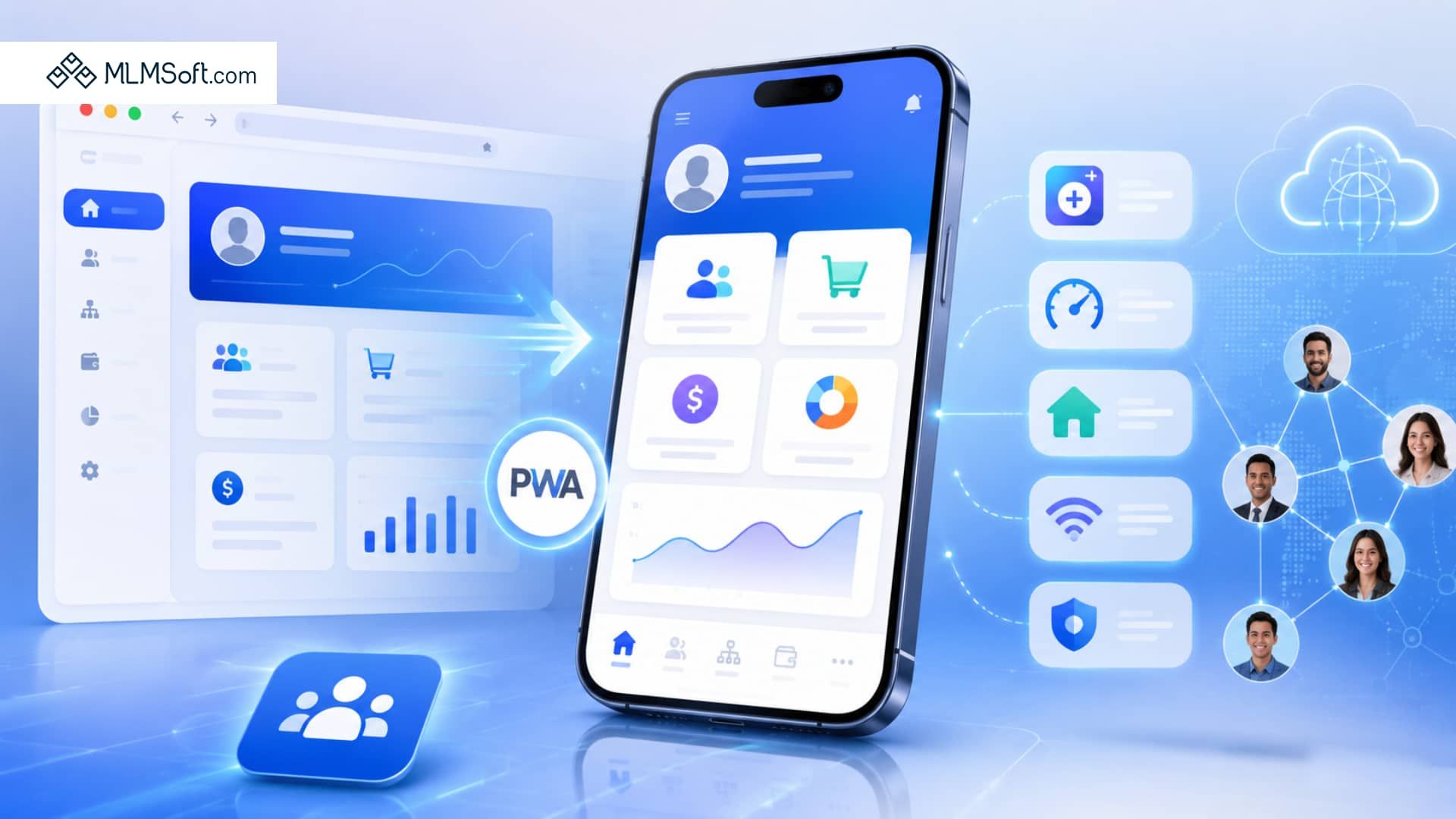
The distributor’s task is different. Have someone locate an order, explain a changed commission, and find the next action on a phone. Include a newly created account with little history. MLM Soft’s Online Office is the relevant product area for that experience.
For referral attribution, include a return visit and an existing customer. The replicated websites article provides useful context, but the result must follow your company’s attribution policy.
Separate a wallet entry from a completed payment
A virtual wallet records an amount owed or available under the company’s rules. It does not establish that a bank or payment provider has completed a transfer.
Follow a request through approval, provider processing, and the final status. Include a rejection or delayed response. MLM Soft’s explanation of payout automation describes this division between platform records and third-party payment processing.
Finish with a bounded implementation record
“We can build that” belongs in the development column. Record its owner, dependencies, scope, and acceptance criteria. Apply the same distinction to integrations and custom reports.
Resolve each required row before agreeing to launch scope, or document how it will be delivered. An unsupported optional feature can be acceptable. An unresolved requirement that determines whether orders or commissions are correct needs a specific decision.
You can use this record with any supplier. For an MLM Soft demo, send the required scenarios in advance so the discussion can focus on your proposed configuration.
Interested in Professional MLM Software? Book Free Demo with an Expert!
MLM Soft Cloud Platform is a modern high-performance software to run any multi-level or referral marketing business. Our platform is used by traditional MLM companies in health&beauty segment, as well as other industries using multi-level and/or affiliate marketing to boost their sales: infobusiness, education, real-estate, consulting, crypto, trading, etc.
Discover how we can build a customized solution for your business on MLM Soft Cloud Platform during a demo-call with one of our experts.
Please review our other blog posts which you might be interested in: